















 Guaranteed Safe Payment
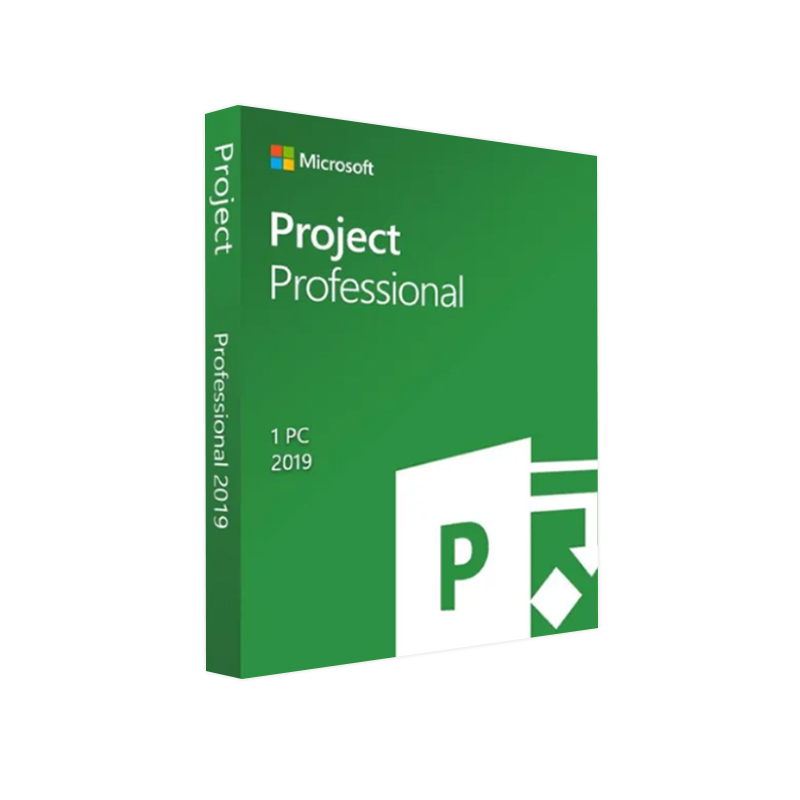
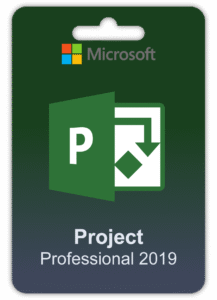
Buy Microsoft Project 2019 Professional from LicenseArc Shop and save up to 70% on the price list. Create, organize and manage your project in all steps of development, and manage your resources and personnel to the best of your ability. LicenseArc Shop allows you to buy 100% genuine licenses and pay using a variety of secure and tracked methods. In addition to all that, you can take advantage of the full money-back warranty available on every order, as well as real-time email delivery, and excellent free English-speaking Technical Support.
Microsoft Project 2019 Professional – buy the advanced tool for planning, monitoring, and controlling projects
Microsoft Project 2019 Professional is a professional solution that can help you plan and manage your projects more efficiently. The Professional version is mainly intended for companies and individuals who use advanced resource and staff management solutions. Microsoft Project 2019 Professional helps you manage every aspect of your project and track the progress of your tasks step by step, as well as fix errors as they occur. Microsoft Project Professional 2019 features a straightforward and easy to use interface inspired by the style of Microsoft Office, allowing even inexperienced users to enjoy all of the software’s functions right away.
Microsoft Project 2019 Professional: discover the features
Some of the key features of Microsoft Project Professional 2019 include:
- Advanced planning and scheduling: Microsoft Project Professional offers sophisticated project planning tools, such as the ability to define tasks, reports, and scheduling.
- Resource Management: This application can be used to assign resources to specific project activities, track their consumption, and control potential overallocations.
- Project tracking and control: Microsoft Project Professional includes tools for tracking project progress against initial goals. You can view previous actions, track expenses, and compare plans with reality.
- Collaboration and Sharing: With Microsoft Project Professional you can easily share project milestones with your team and outside parties. You can also collaborate in real time with your team using Microsoft Teams.
- Advanced Reporting: Microsoft Project Professional includes a number of reporting options that let you create detailed reports on project progress, resource usage, costs, and more.
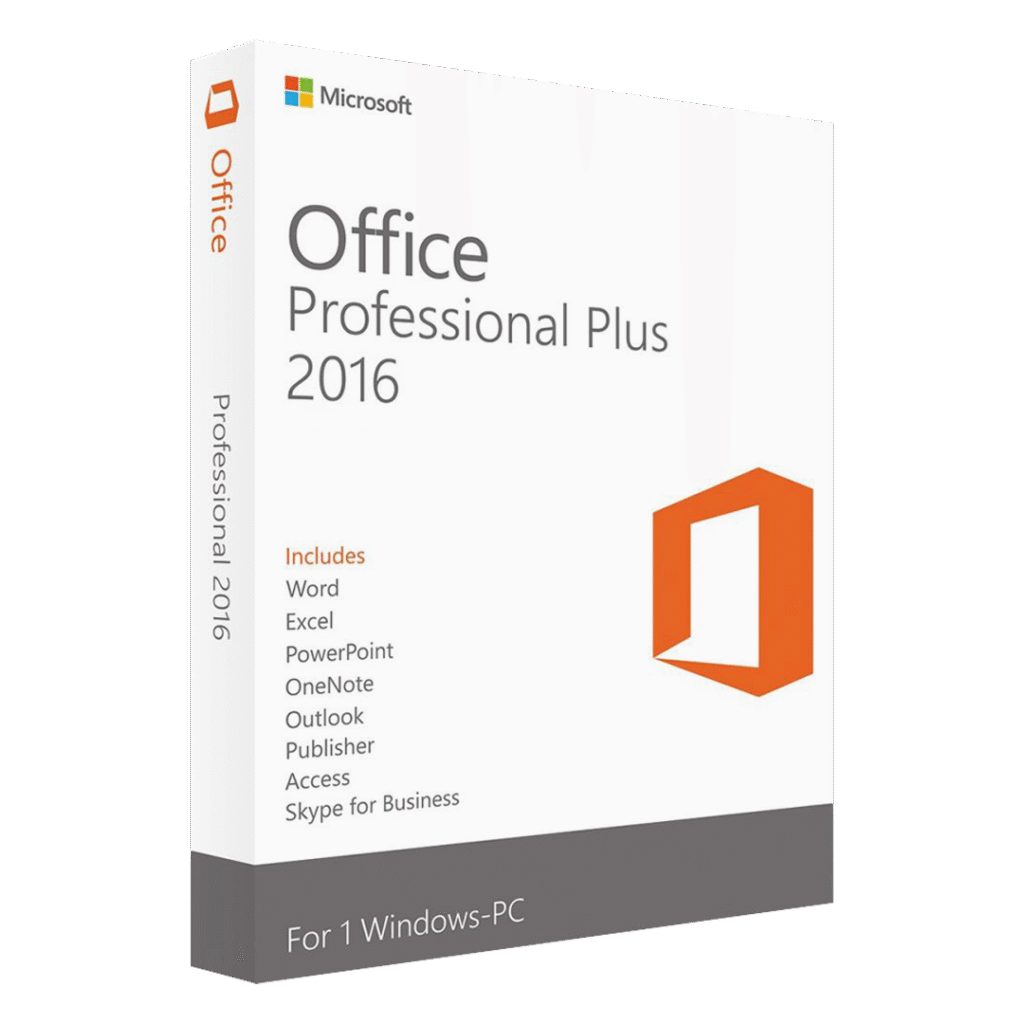
Keep in mind that Microsoft Project Professional 2019 is available as a standalone app. If you also need to use other Office programs, we recommend purchasing Office 2021 Professional Plus or Office 2021 Home & Business.
Buy Microsoft Project Professional 2019 and achieve all your productivity goals
Microsoft Project Professional 2019 also allows you to:
- Make it easy to view complex schedules with several timelines by using intuitive, automated scheduling tools.
- Choose from a wide range of high-quality, pre-built templates to move projects forward quickly and confidently while sticking to a tried-and-true framework.
- Manage resources effectively to build project teams.
- You may improve the results you achieve by using built-in reports such as Burn-down and General Resource Information, which deliver accurate information to stakeholders.
- Sync with Project Online and Project Server.
- Use timesheets to log time spent on projects and more.
- Run simulation scenarios to optimize task assignments.
- Use project management and evaluation tools to keep track of resources and relocate them as needed.
- Take advantage of Microsoft Teams for businesses and start group chats or calls with a simple click on team member names
- Get the graphical representation of complex schedules with multiple predefined timelines.
What do I get with my order of Microsoft Project 2019 Professional from LicenseArc Shop?
Once your transaction has been completed on the LicenseArc Shop site, you will receive through email everything you need to take full advantage of Microsoft Project 2019 Professional:
- Your Microsoft Project 2019 Professional license
- Simple step-by-step instructions on how to download, install and activate Microsoft Project 2019 Professional
- Your purchase invoice
- Free English-speaking Technical Support
For any doubts or questions
You can contact us via Live Chat or at:
WhatsApp: +44 7308973807
We will be glad to help you.












Reviews
Clear filtersThere are no reviews yet.